VoxBar runs entirely on your local GPU — no cloud, no subscriptions, no data leaving your machine. Here's how professionals are using it every day.
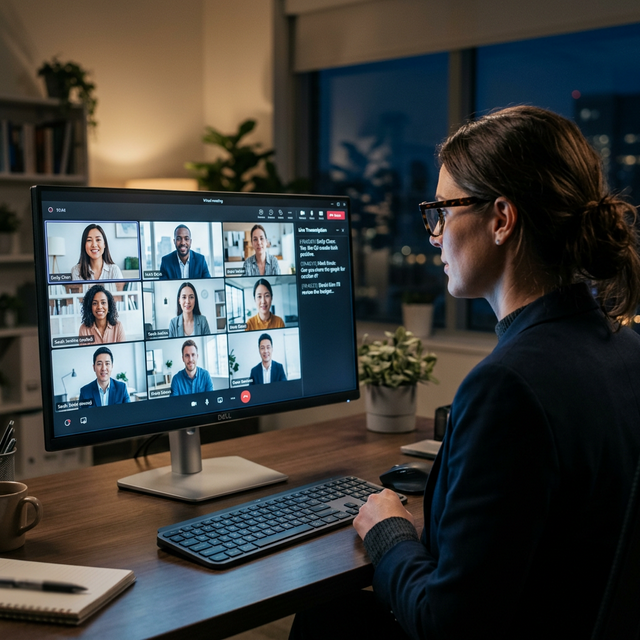
Whether it's a Teams call, a Zoom standup, or a boardroom discussion — VoxBar captures every word in real-time directly on your machine. No meeting bot joining the call. No recordings uploaded to the cloud. Just clean, accurate text appearing as people speak.
Review action items, search past conversations, and never miss a detail — all without anyone in the meeting knowing you're transcribing.
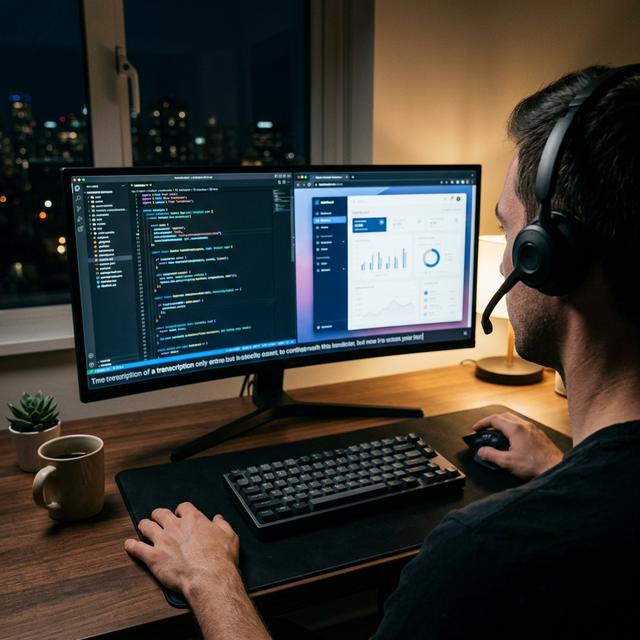
Vibe coding isn't just a trend — it's the future. VoxBar lets developers dictate code, write documentation, and draft commit messages entirely hands-free. The transcription appears in real-time while your IDE stays in focus.
Perfect for long coding sessions where RSI is a concern, or when you simply think faster than you type. Your voice becomes your keyboard.
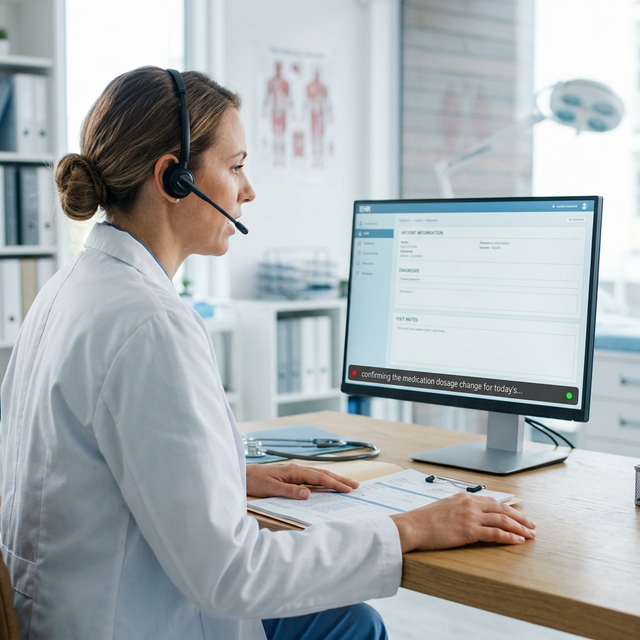
Medical professionals handle some of the most sensitive data on the planet. VoxBar processes everything locally — patient names, diagnoses, treatment plans — none of it ever touches an external server. Full GDPR and HIPAA peace of mind built into the architecture.
Dictate clinical notes between appointments, capture consultation summaries, or transcribe case discussions. Accurate, fast, and completely offline.
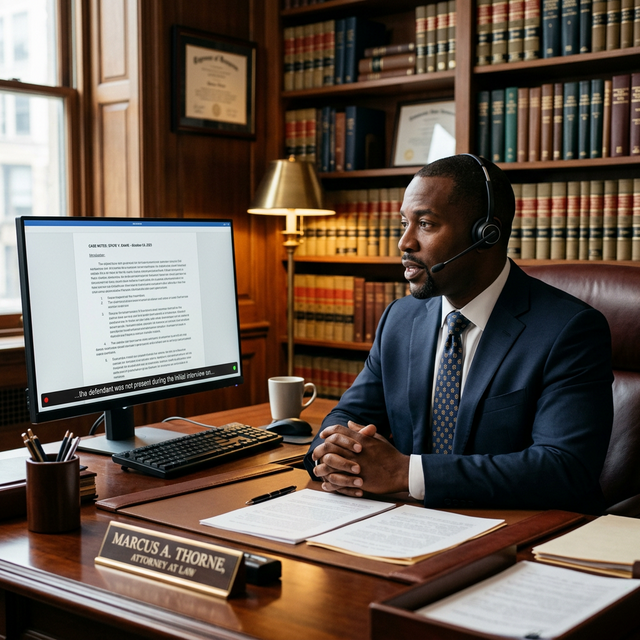
Attorney-client privilege demands absolute confidentiality. VoxBar gives legal professionals a dictation tool that never sends a single word to the cloud. Case notes, contract reviews, deposition summaries — all transcribed locally on your machine.
Lawyers have relied on dictation for decades. VoxBar brings that tradition into the AI era without compromising the trust your clients expect.
Journalists and content creators deal in words — and losing a single quote can kill a story. VoxBar transcribes interviews, press conferences, and research calls in real-time without ever sending audio to a third-party server. Your sources stay protected.
Whether you're filing from a newsroom or a coffee shop, VoxBar runs offline on your laptop's GPU. No Wi-Fi needed. No cloud transcription service reading your unpublished material.
Students and researchers can capture entire lectures, seminars, and study group discussions as searchable text — automatically. No more racing to scribble notes while trying to actually understand the material. VoxBar lets you focus on learning, not writing.
Missed a lecture? VoxBar's system audio capture can transcribe recorded lectures, YouTube videos, podcasts, or any audio playing on your laptop — directly, without the internet. Just hit play and let VoxBar write it all down.
Review key concepts later, search for specific topics, and build a personal knowledge base from every class. All processed locally — no university data policies to worry about.
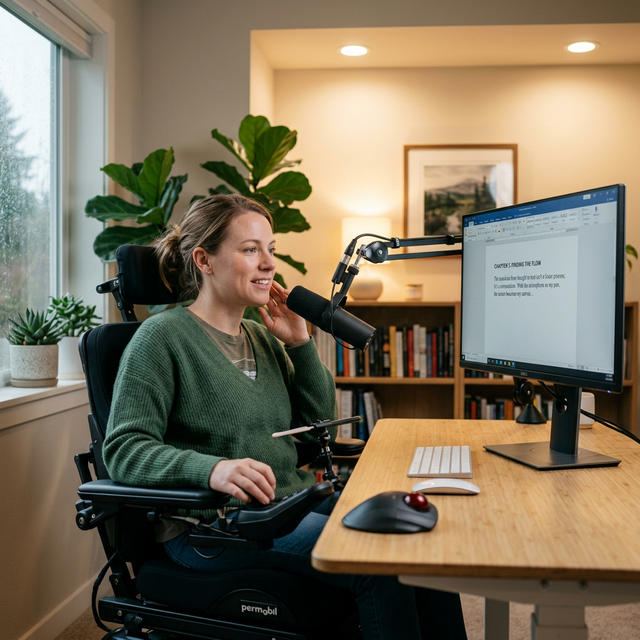
For individuals with motor impairments, repetitive strain injuries, or any condition that makes typing difficult, VoxBar transforms speech into a powerful input method. Compose emails, write documents, and control your workflow — entirely hands-free.
Unlike cloud dictation tools that require constant internet and raise privacy concerns, VoxBar runs entirely on your local hardware. Your voice, your words, your machine. Nothing leaves your desk.
VoxBar doesn't just listen to your microphone — it can listen to your system audio too. Play a YouTube lecture, a podcast, a recorded meeting, or any video on your laptop, and VoxBar transcribes it in real time — no internet required.
Just hit play and let VoxBar write it all down. Perfect for turning hour-long YouTube tutorials into searchable notes, transcribing recorded interviews, or capturing dialogue from any media playing on your machine.
Everything stays local. The audio never leaves your laptop — VoxBar processes it directly on your GPU, completely offline.
Private. Local. Unlimited. No subscriptions, no cloud, no compromise.
Coming Soon